Swap User
Swap User logs out the currently signed in user and brings up the SeisWare login page. The login page allows another user to login with their credentials.

 How do I create an account?
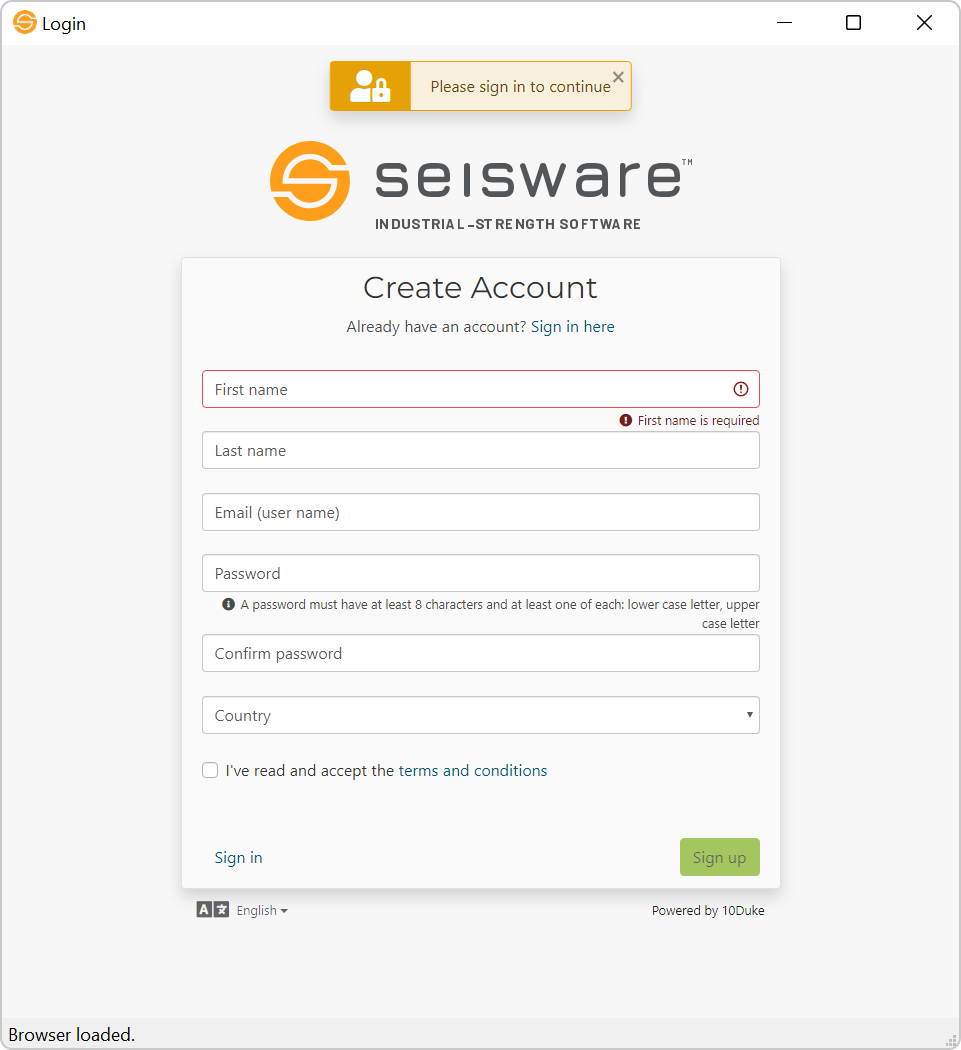
- If you have not created an account, you'll need to click Create Account.
- Enter in the required information and click Sign Up.
- You'll be emailed a validation link to the email address used when creating your account.
- In the email, click Confirm your email , this will take you to another page where you'll see your validation code.
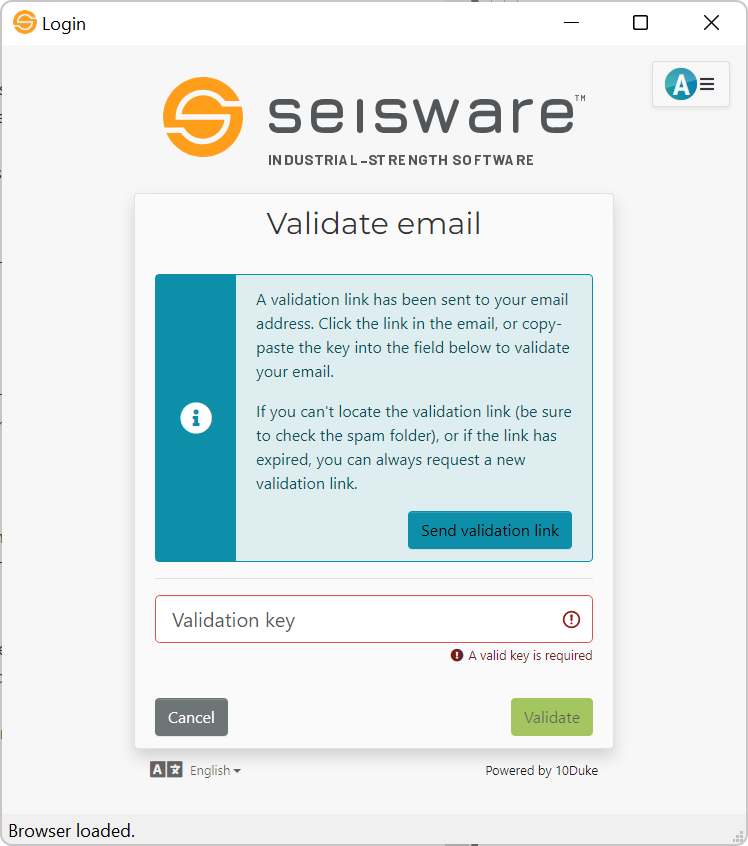
- Click Validate to complete the validation process.
- You are now ready to use SeisWare with 10Duke Licensing!
— MORE INFORMATION

|
Copyright © 2020 | SeisWare International Inc. | All rights reserved |